This group
60 Percent Mechanical Keyboards
Last refresh 2026-11-03
The ultimate space-saver for gamers and minimalist setups · 11 keyboards · 11 brands
Compact footprint and key count
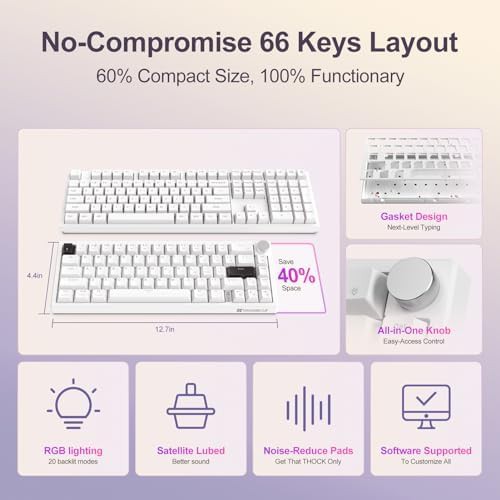
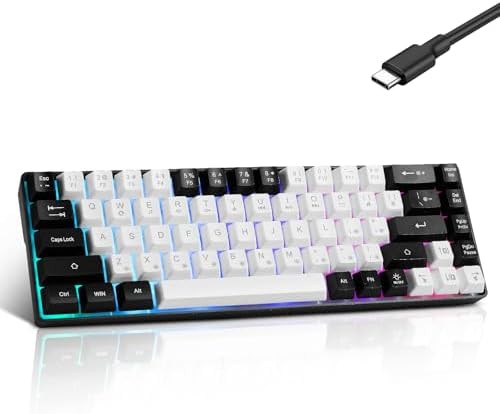
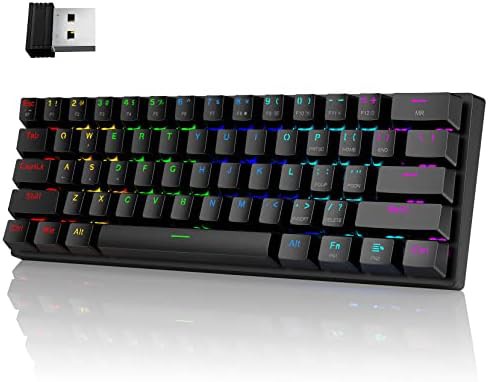
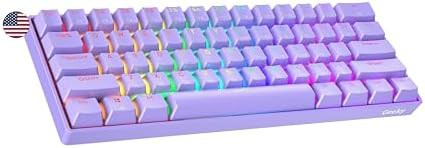
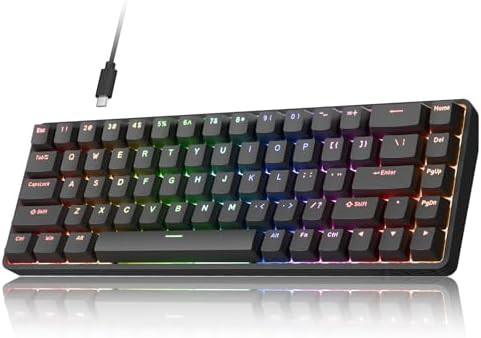
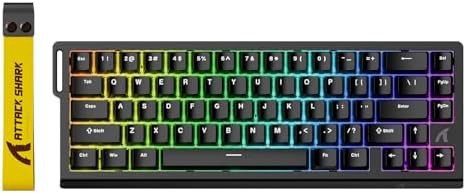
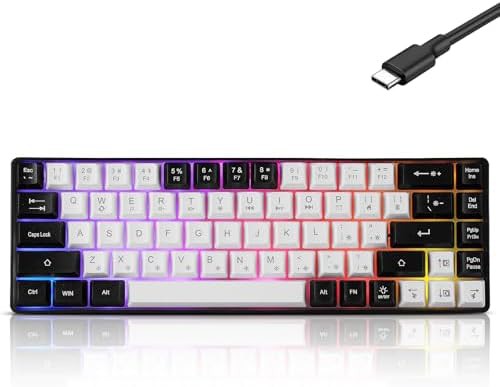
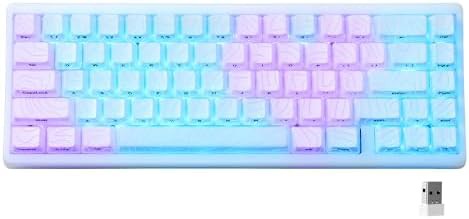
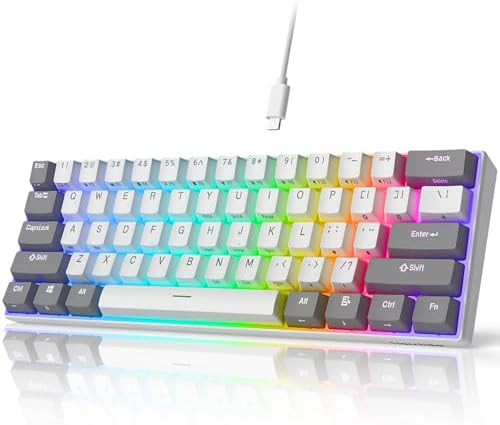
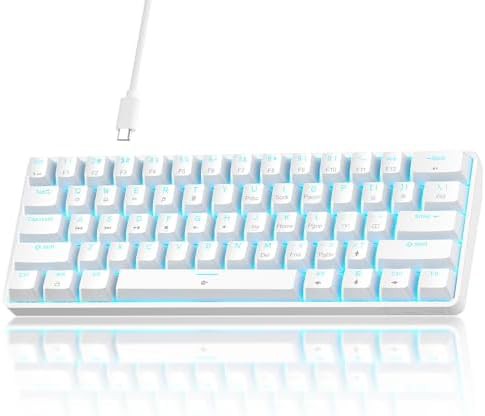
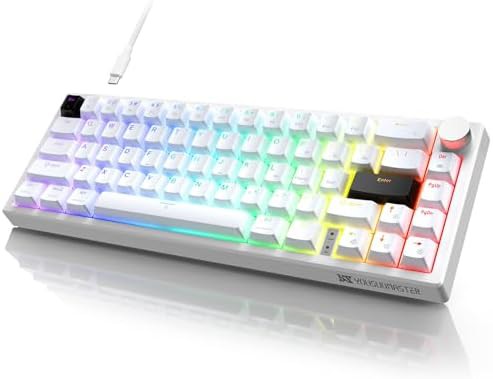
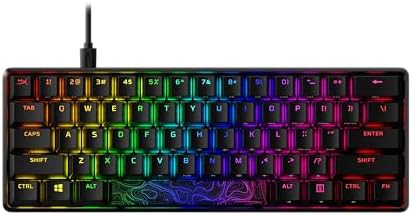
A 60 percent keyboard trims the layout to the main alphanumeric block, dropping the number pad, arrow cluster, and function row. The result is a board that leaves more desk space for a mouse and sits closer to the hands for a tighter typing stance. Most boards in this slice land at 61 or 68 keys, with the 68-key versions keeping dedicated arrow keys and a few navigation keys.
Switch and mounting options
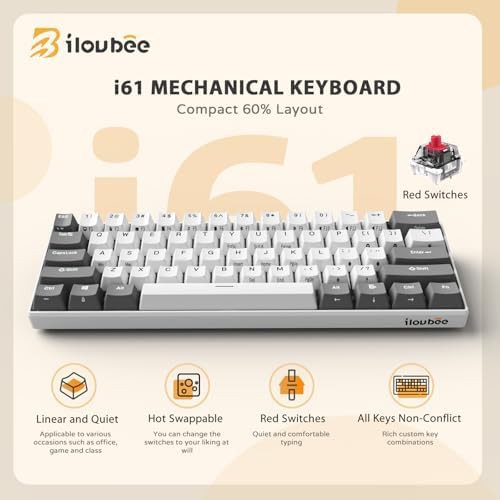
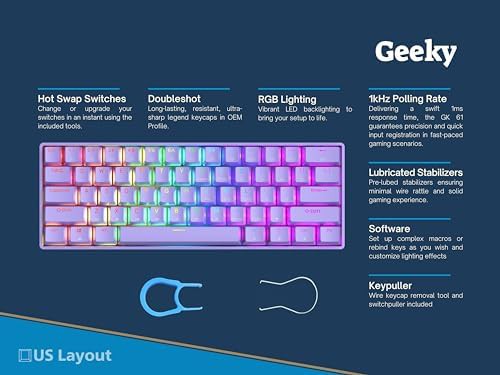
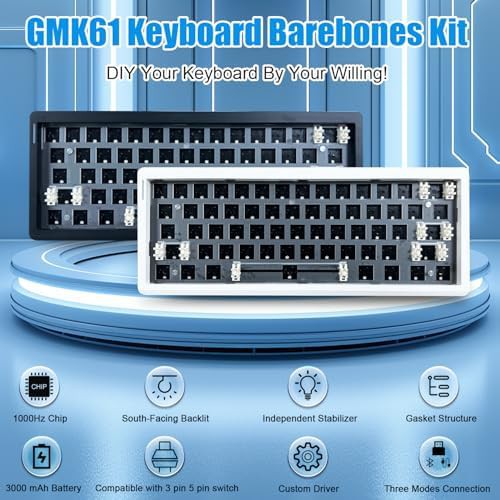
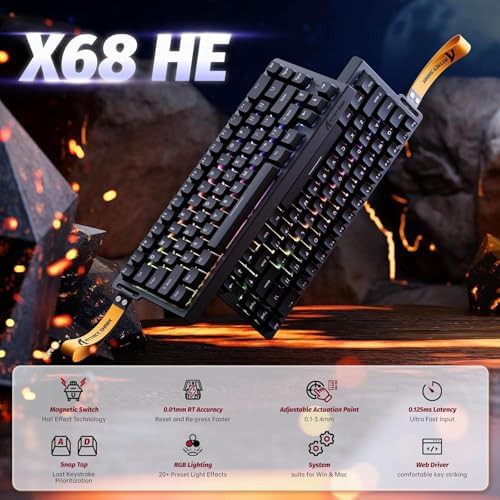
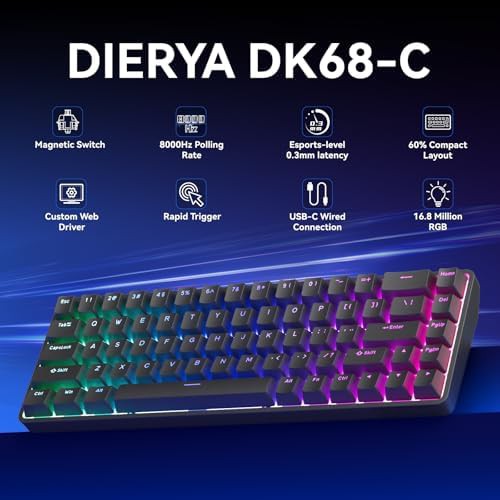
Switch choice splits into two main paths. Clicky blue switches give an audible click and tactile bump, while linear red switches offer a smooth, quiet press. Hot-swappable sockets appear across many of these boards, letting a buyer change switches without soldering. Magnetic switch boards add adjustable actuation and rapid trigger, which suit fast key repeats in games.
Connectivity and case materials
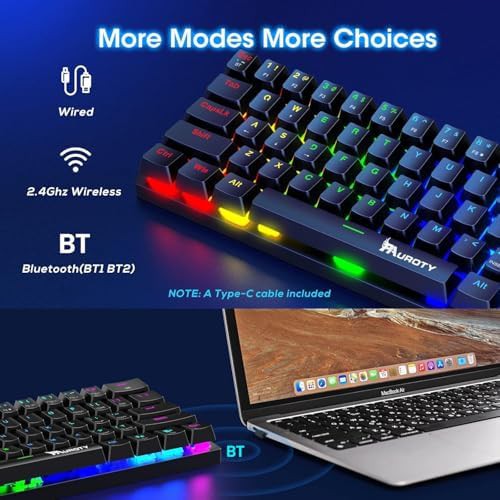
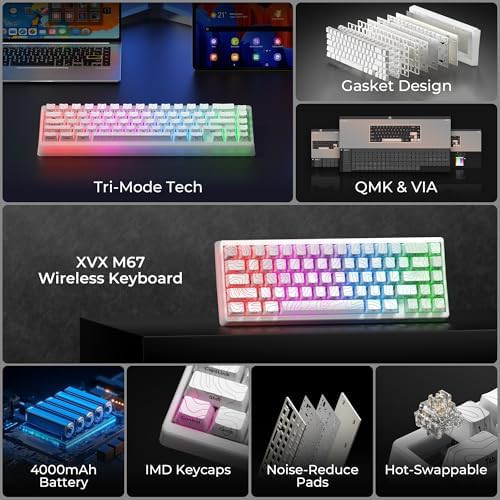
Wired boards connect through USB-C and often push high polling rates for low-latency input. Wireless models run tri-mode: 2.4 GHz, Bluetooth, and USB-C. Case construction ranges from plastic to gasket-mounted designs with dampening layers, which change the sound profile from hollow to thocky. Keycap materials include double-shot PBT and ABS, with PBT resisting shine over time.
Layout and software details
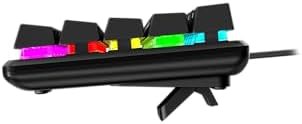
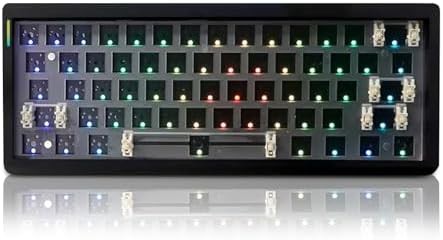
ANSI US layout is standard across these boards, and some support QMK or VIA for remapping keys and layers. RGB backlighting is common, with per-key lighting on most models. A few boards include a topographic or IMD finish on the case for a textured look. Buyers who need arrow keys should look at the 68-key variants rather than the 61-key versions.
 9.4