 9.4
Redragon
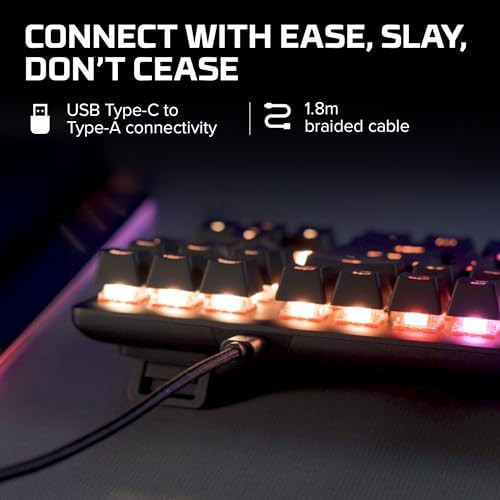
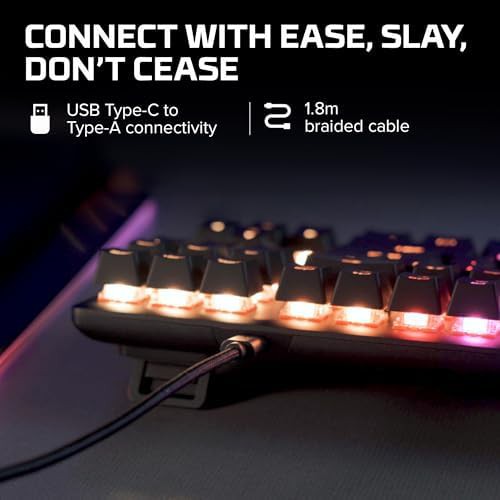
Black compact tenkeyless red switch keyboard
$36.99
Black Gaming keyboards Compact keyboards Backlit keyboards RGB keyboards
Keyboards featuring individual mechanical switches for tactile feedback 95 keyboards · 47 brands
9.4
Black Gaming keyboards Compact keyboards Backlit keyboards RGB keyboards
 9.4
Black Wired keyboards Compact keyboards Backlit keyboards RGB keyboards
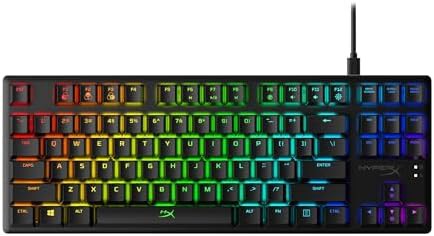 9.4
Black Wired keyboards Gaming keyboards Compact keyboards Backlit keyboards
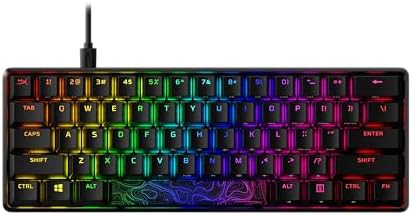 9.4
Black Wired keyboards Gaming keyboards Compact keyboards Backlit keyboards
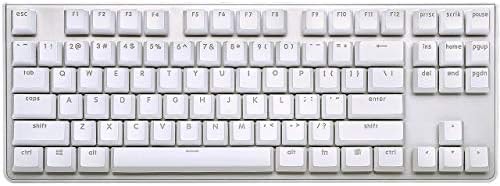 9.3
Red TKL keyboards White keyboards
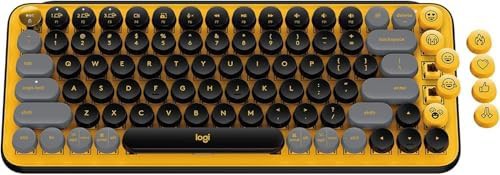 9.1
Black Wireless keyboards Compact keyboards Multi-device keyboards Gray keyboards
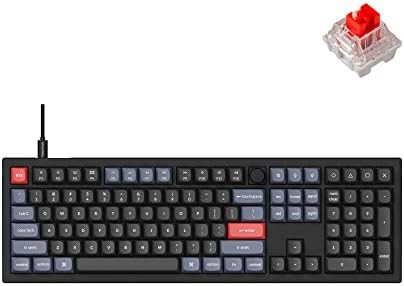 8.9
Black Wired keyboards For Windows For Mac Full-size keyboards
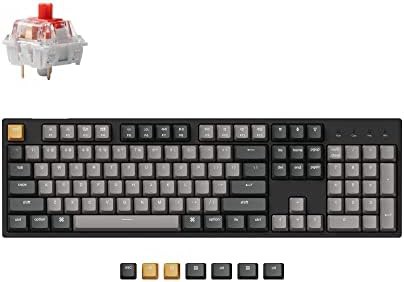 8.9
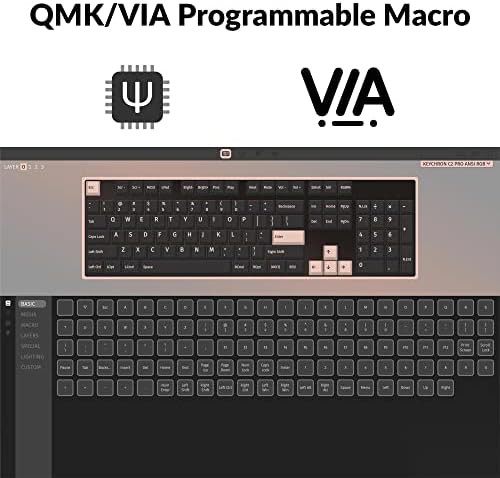
Wired keyboards For Windows For Mac Full-size keyboards Programmable keyboards
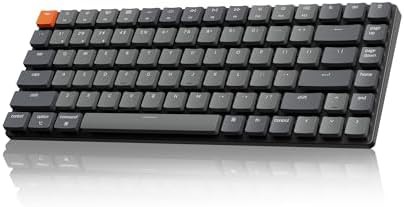 8.7
Wireless keyboards Compact keyboards Low profile keyboards 75% keyboards
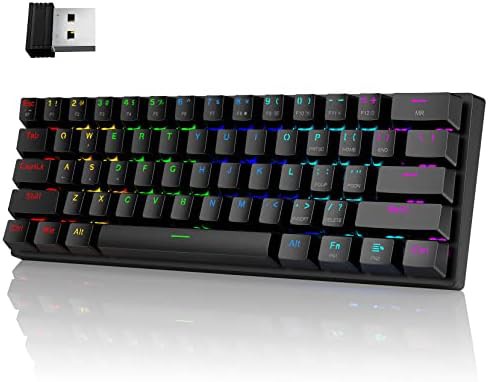 8.7
Blue Wireless keyboards Wired keyboards Gaming keyboards Compact keyboards
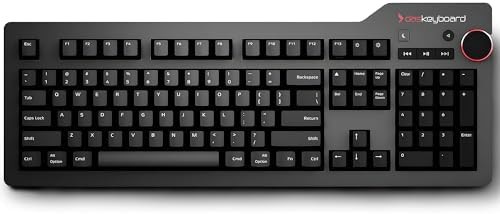 8.6
Black Wired keyboards For Mac Aluminum keyboards With knob
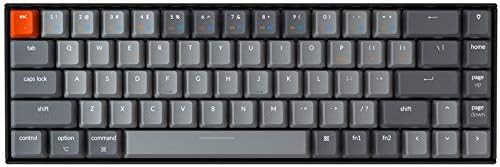 8.6
Blue Wireless keyboards Wired keyboards Gaming keyboards For Windows
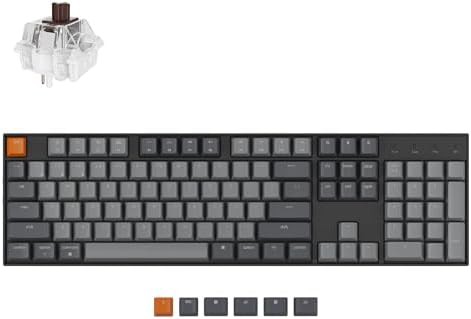 8.5
Brown Wireless keyboards Wired keyboards Gaming keyboards For Windows
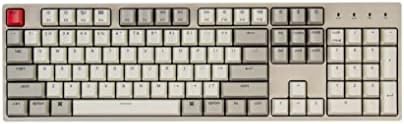 8.5
Wired keyboards For Windows For Mac Full-size keyboards Hot-swappable keyboards
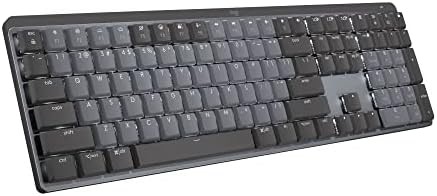 8.5
Wireless keyboards Backlit keyboards Full-size keyboards Low profile keyboards
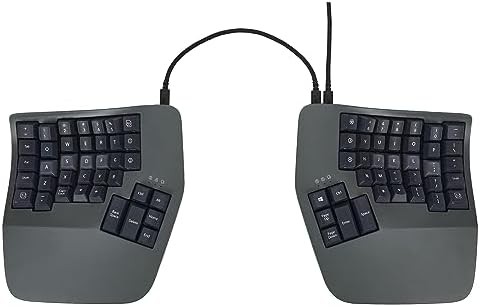 8.5
Blue Wired keyboards Ergonomic keyboards With wrist rest Programmable keyboards
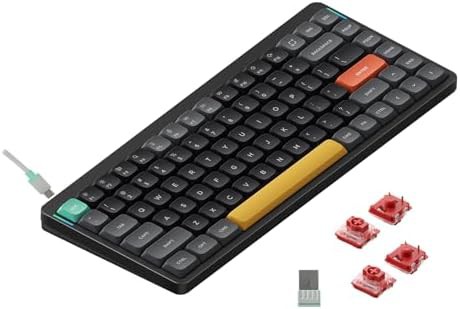 8.5
Wireless keyboards For Windows For Mac RGB keyboards Travel keyboards
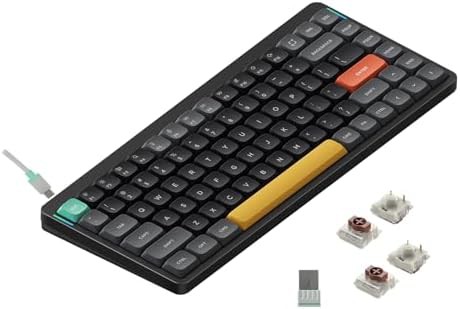 8.3
Brown Wireless keyboards For Windows For Mac RGB keyboards
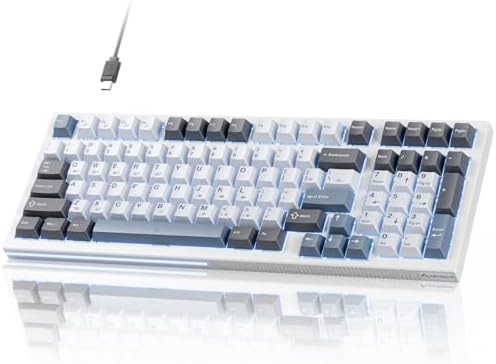 8.0
Red Gaming keyboards Compact keyboards Backlit keyboards Programmable keyboards
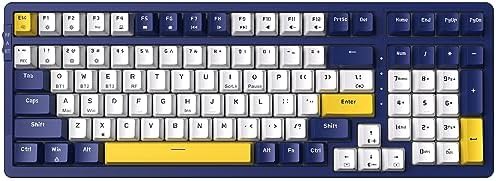 7.9
Red Wireless keyboards Gaming keyboards Backlit keyboards For iPad
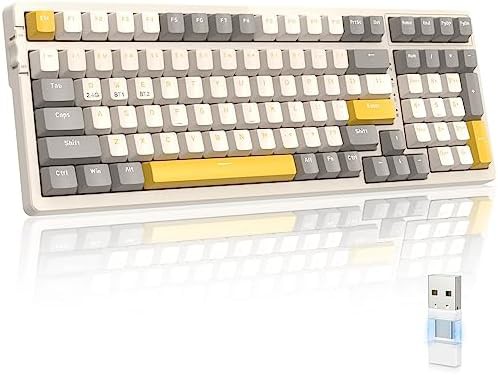 7.5
Red Wireless keyboards Gaming keyboards For Windows Compact keyboards
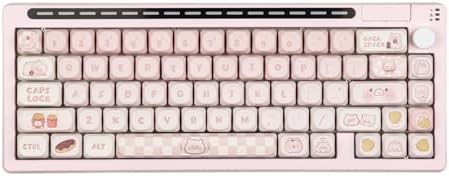 7.1
Wireless keyboards Wired keyboards Gaming keyboards RGB keyboards Hot-swappable keyboards
 6.9
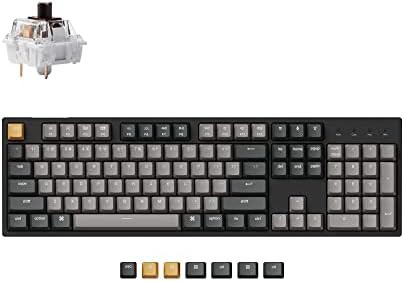
Wired keyboards For Windows For Mac Full-size keyboards Programmable keyboards
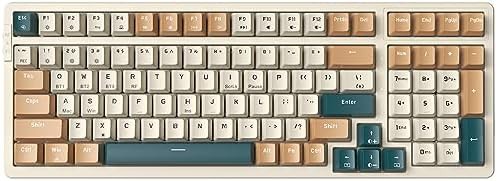
Brown Wireless keyboards Wired keyboards Gaming keyboards Compact keyboards
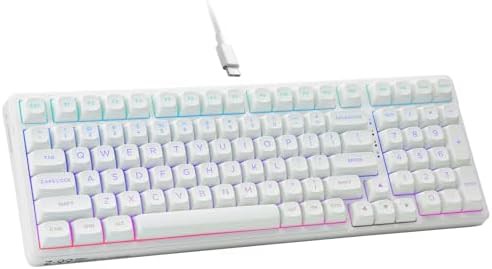
Wired keyboards Gaming keyboards Compact keyboards Backlit keyboards RGB keyboards
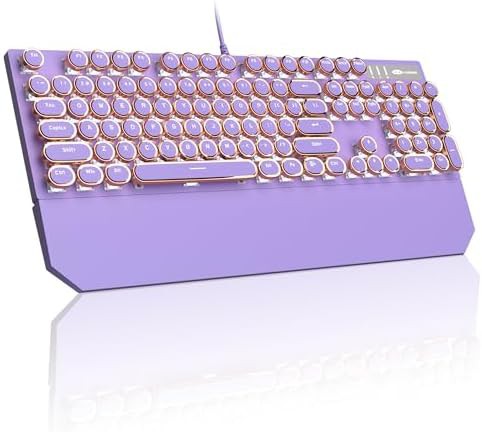
Blue Wired keyboards Gaming keyboards For Mac Backlit keyboards
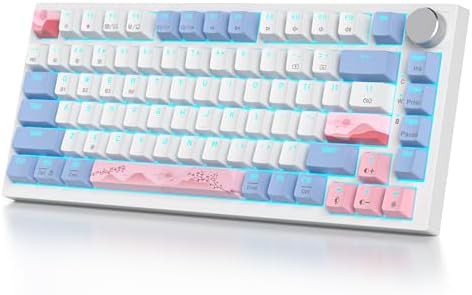
Wireless keyboards Gaming keyboards Compact keyboards For Mac RGB keyboards
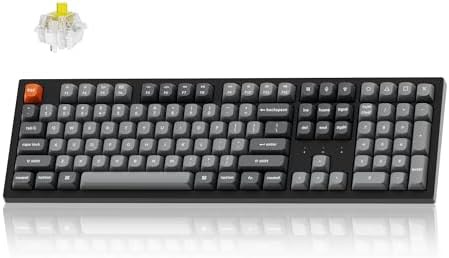
Wireless keyboards Wired keyboards Gaming keyboards Full-size keyboards Programmable keyboards
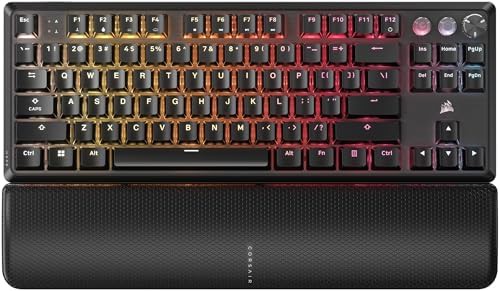
Black Wired keyboards Gaming keyboards RGB keyboards TKL keyboards
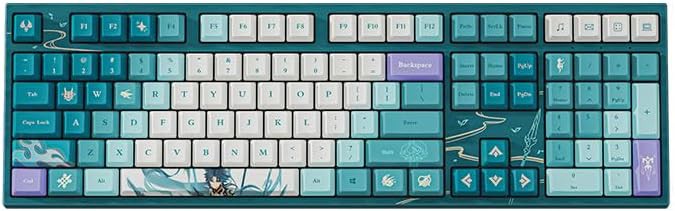
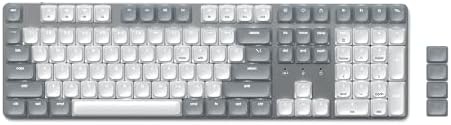
Gray Wireless keyboards Wired keyboards Backlit keyboards Full-size keyboards
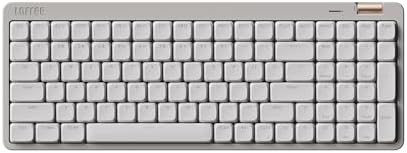
Wireless keyboards Wired keyboards For Windows For Mac Full-size keyboards
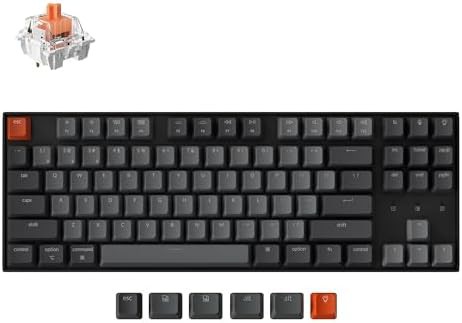
Red Wireless keyboards Gaming keyboards For Windows For Mac
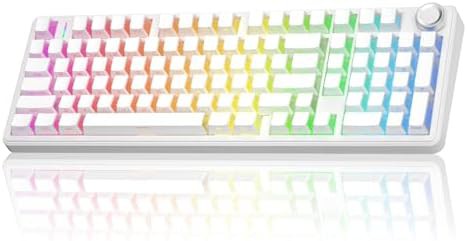
Wireless keyboards Wired keyboards Gaming keyboards RGB keyboards Multi-device keyboards
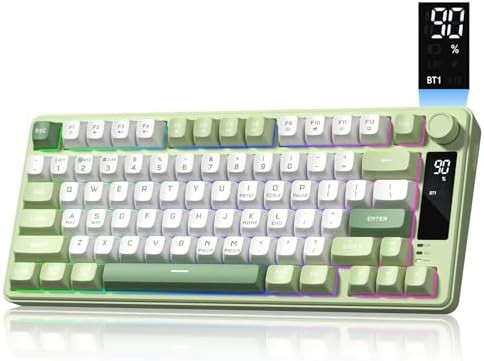
Green Wireless keyboards Wired keyboards Gaming keyboards For Windows
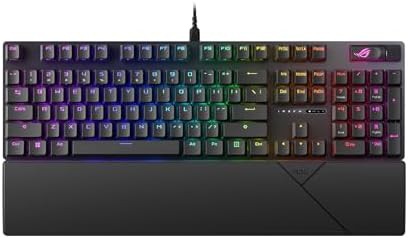
Black Wired keyboards Gaming keyboards For Windows For Mac
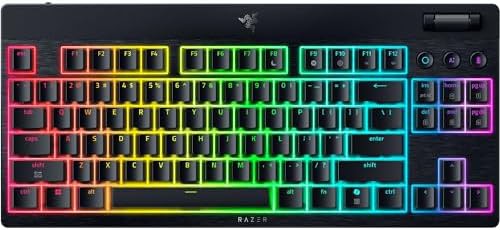
Wireless keyboards Gaming keyboards Multi-device keyboards TKL keyboards Low profile keyboards
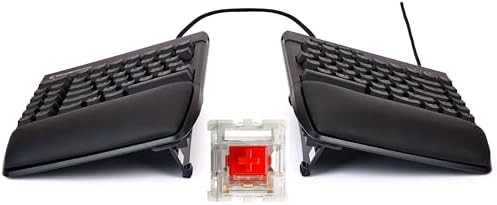
Gaming keyboards For Mac RGB keyboards Hot-swappable keyboards Ergonomic keyboards
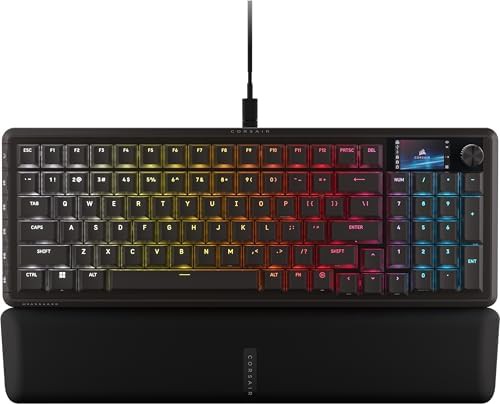
Black Wired keyboards Compact keyboards RGB keyboards TKL keyboards
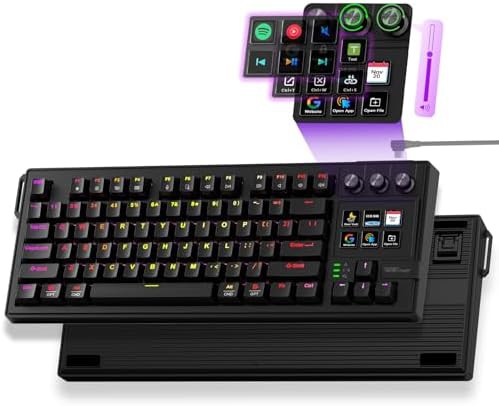
Gaming keyboards Programmable keyboards
Black Wired keyboards Gaming keyboards RGB keyboards TKL keyboards
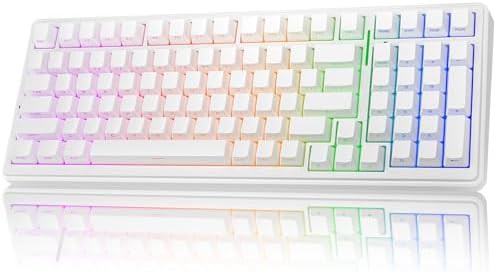
Wireless keyboards Wired keyboards Gaming keyboards For Windows For Mac
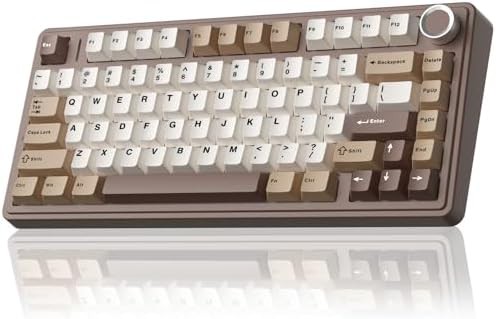
Brown Wireless keyboards Wired keyboards Gaming keyboards Backlit keyboards
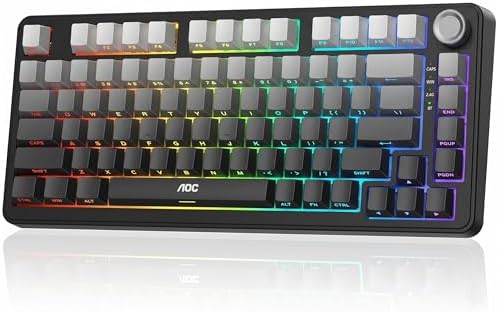
Wireless keyboards Wired keyboards Gaming keyboards Backlit keyboards RGB keyboards
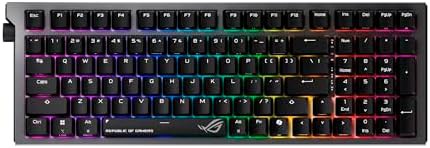
Wireless keyboards Gaming keyboards Full-size keyboards Hot-swappable keyboards
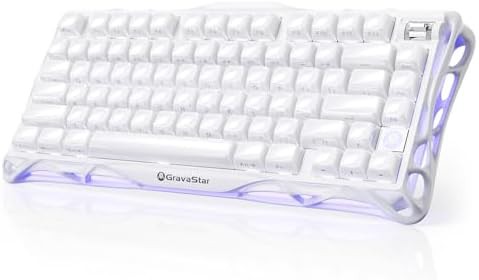
Wireless keyboards Gaming keyboards Backlit keyboards RGB keyboards White keyboards
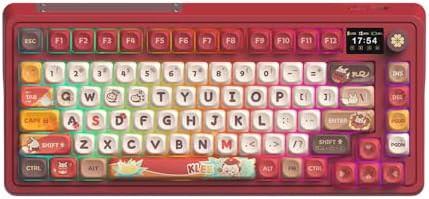
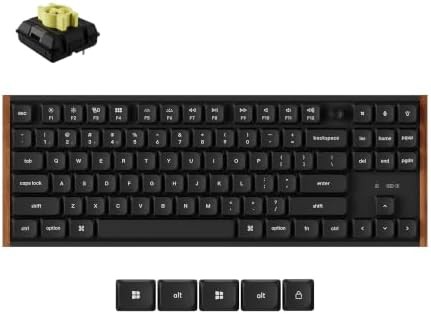
Wireless keyboards Wired keyboards Gaming keyboards For Windows For Mac
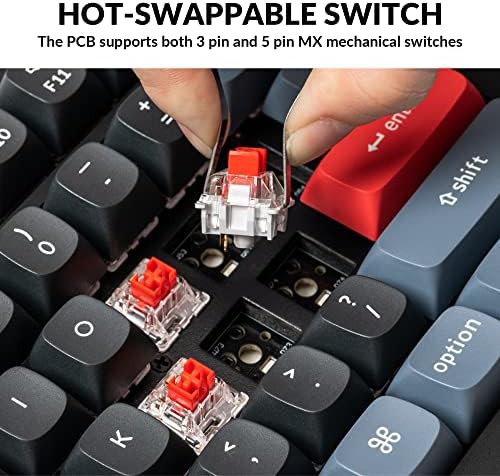
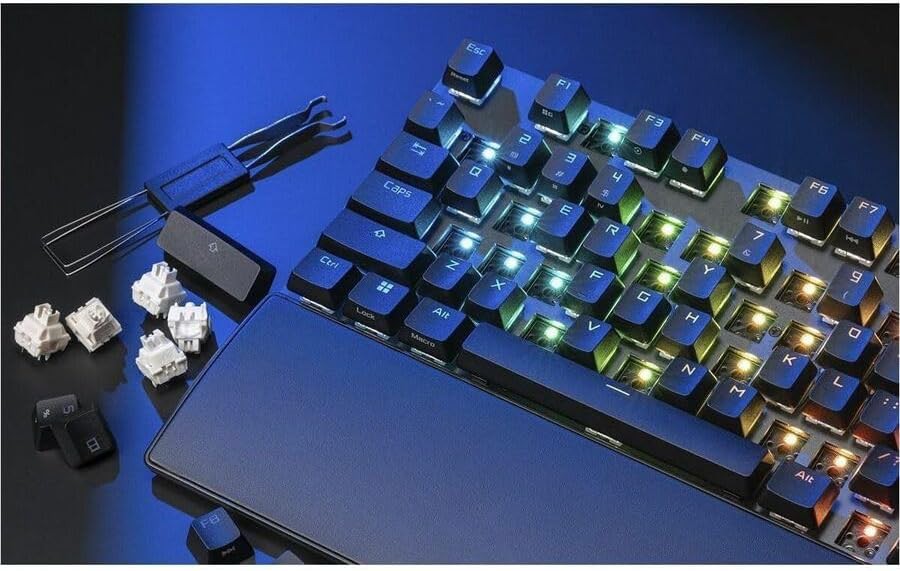
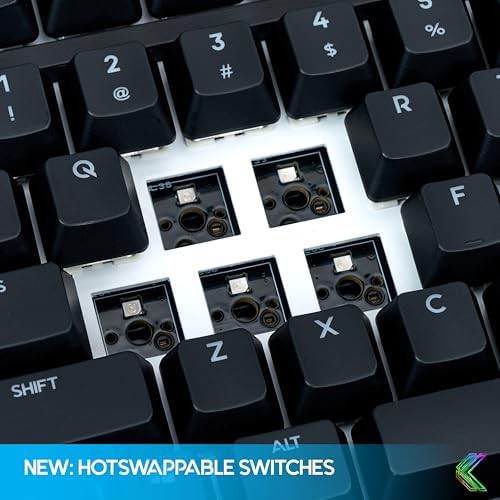
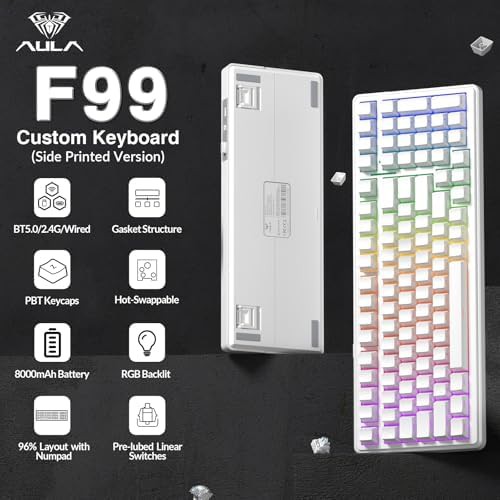
It means you can remove and replace switches without soldering. The board has sockets that accept compatible switches.
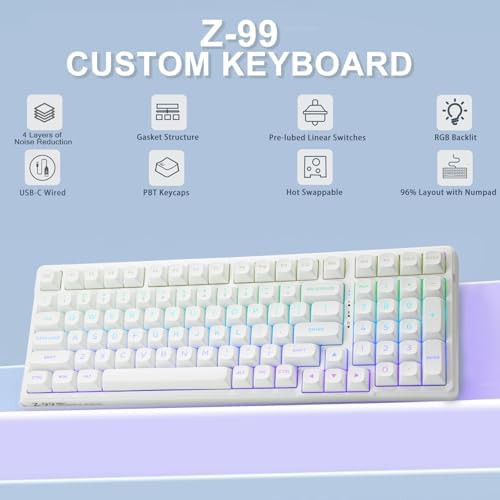
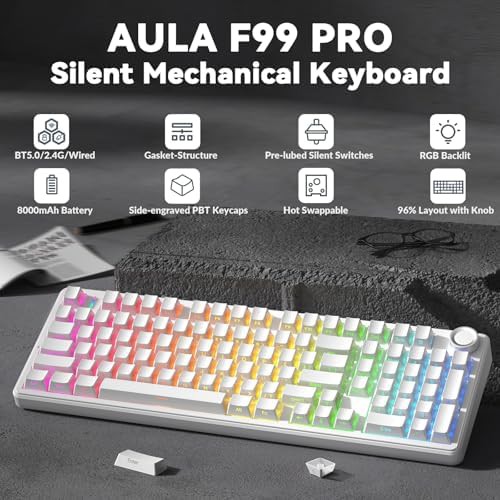
A gasket structure mounts the plate between soft materials instead of screwing it directly to the case. This changes the typing feel and sound.
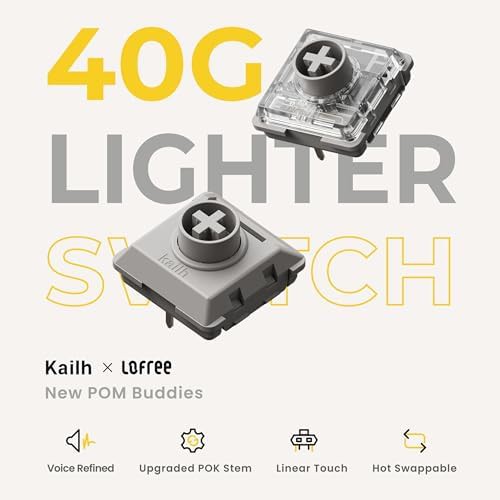
Linear switches move straight down without a bump. Tactile switches have a noticeable bump partway through the keystroke.
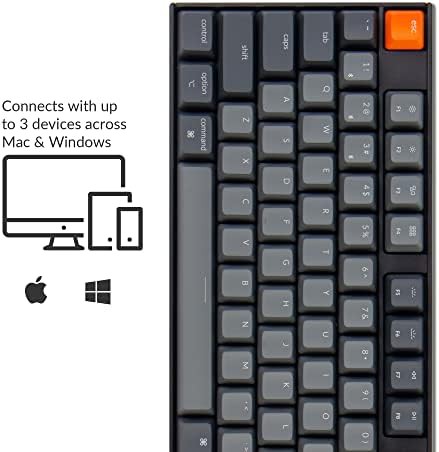
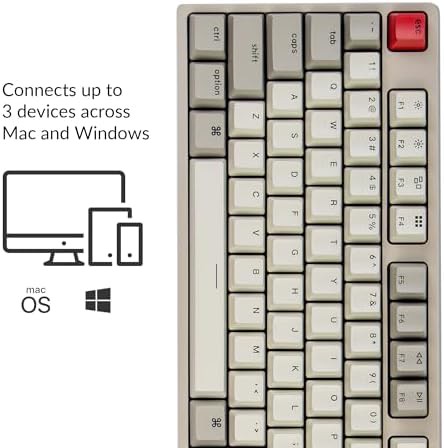
Some models list compatibility with Windows and Mac. Others specify PC, tablet, Xbox, PS4, and PS5. Check the individual board for its supported systems.
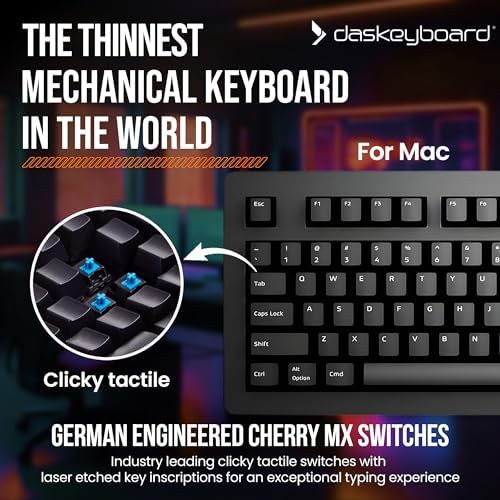
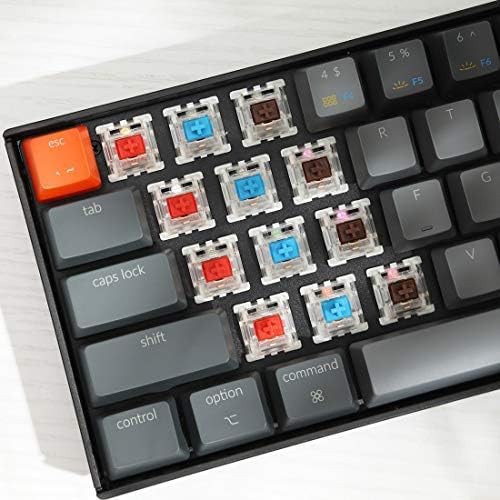
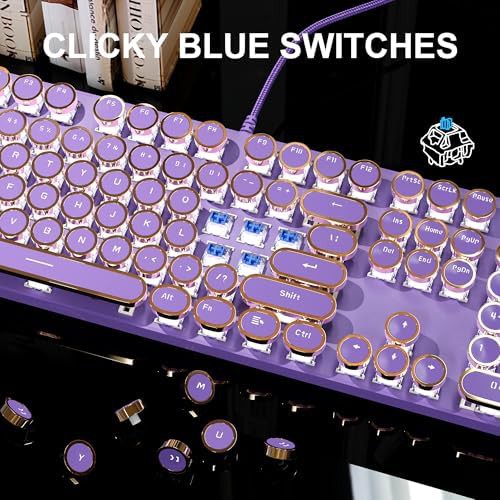
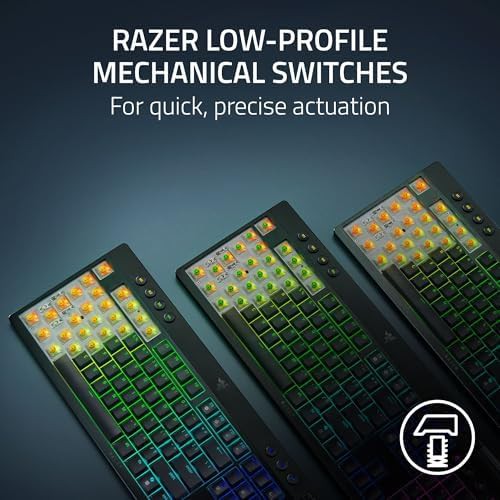
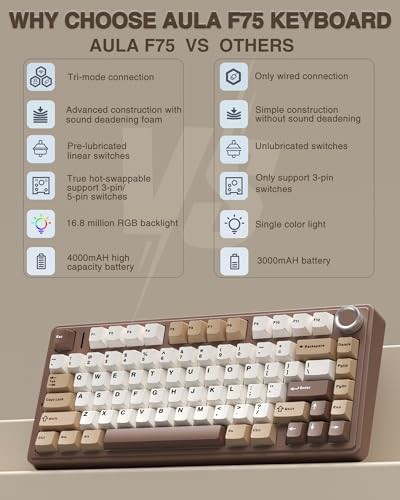
Mechanical keyboards use individual switches under each keycap. The switch color indicates its feel: Brown is tactile, Blue is clicky, Red is linear, Black is linear with higher resistance, Green is clicky with higher resistance, and Gray is linear or tactile with high resistance. Pre-lubed linear switches appear in several boards, offering a smooth keystroke without a bump or click.
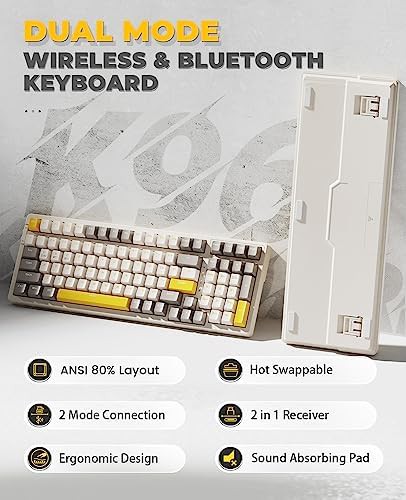
Hot-swappable sockets let you pull switches and replace them without soldering. Gasket structures mount the plate between soft layers, which changes the sound and feel of each press. These two features separate boards that are easy to modify from those that are fixed.
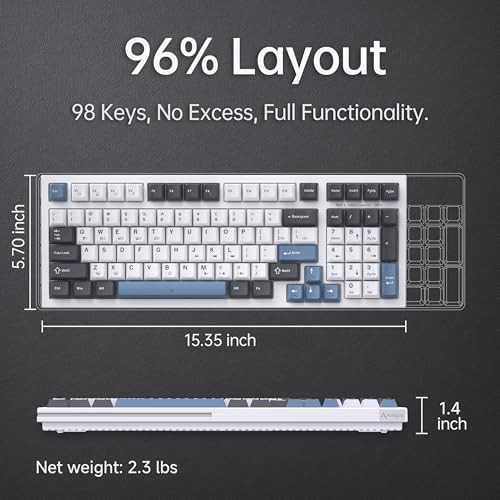
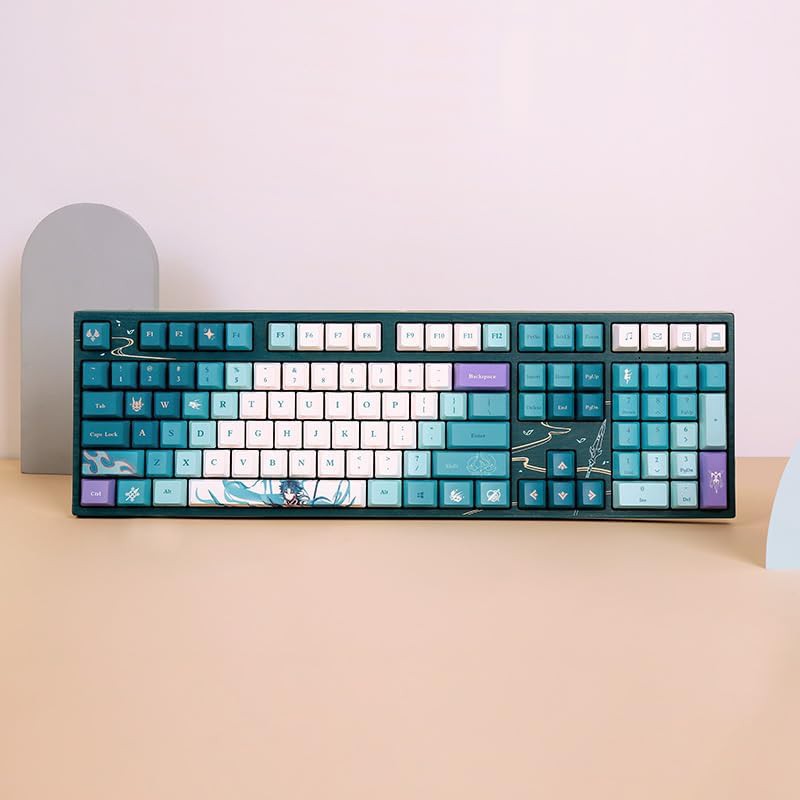
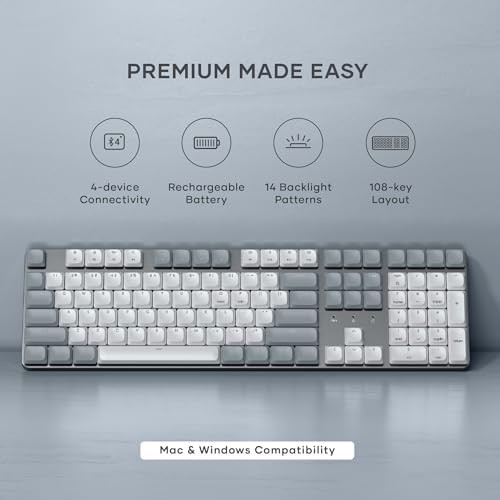
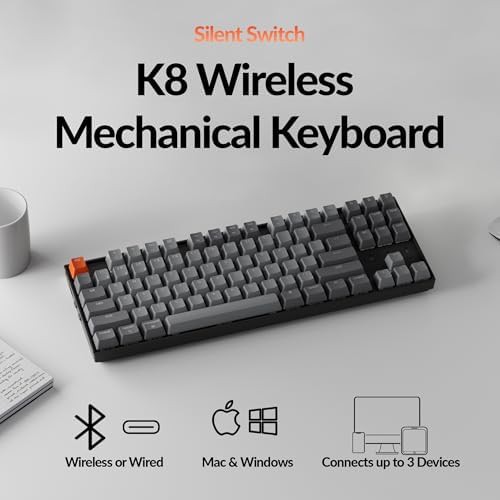
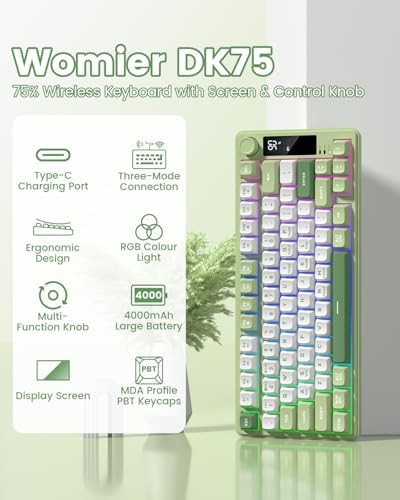
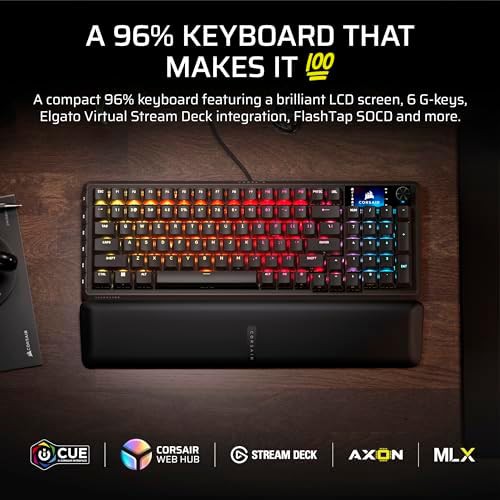
Compact boards drop the number pad and sometimes the function row. A 65 percent layout keeps the arrow keys and a few navigation keys in a smaller frame. A 75 percent layout adds a function row while staying narrower than a full-size board. Full-size and 99-key boards include a number pad, and some add a knob for volume or media control.
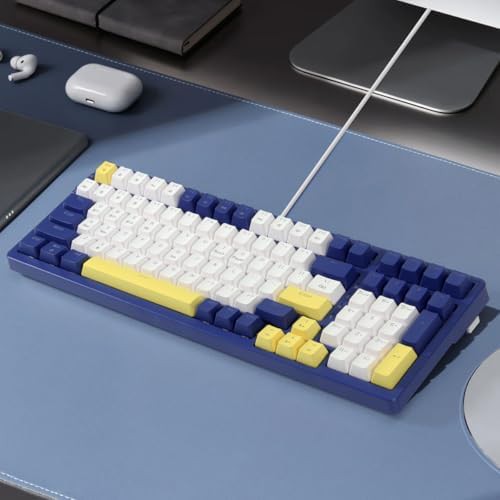
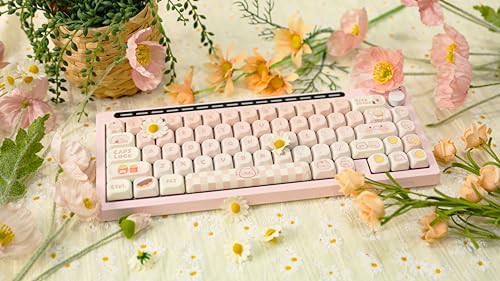
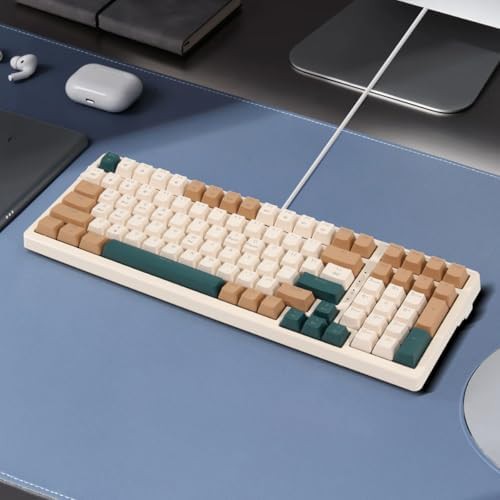
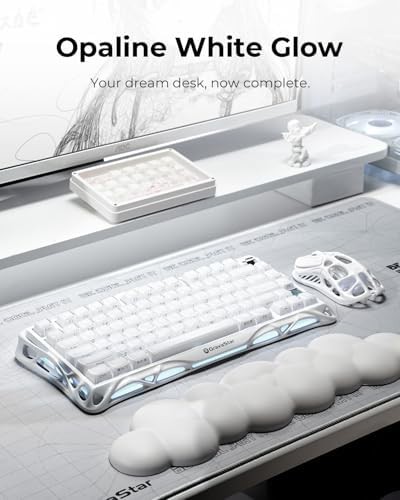
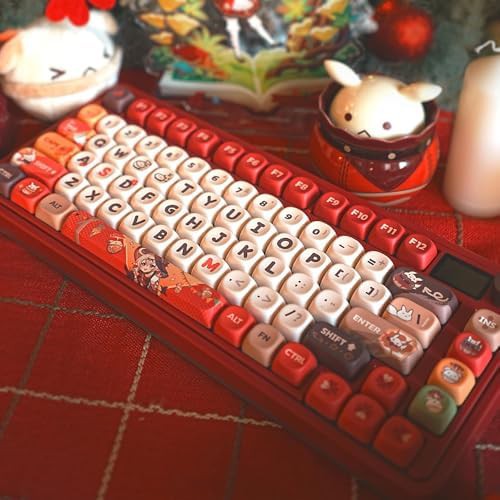
Case material and keycap material affect sound and durability. PBT keycaps resist shine and wear better than ABS. Side-printed legends place the characters on the front edge of the keycap, so the top surface stays clean. White and brown colorways appear alongside line white and other neutral tones.
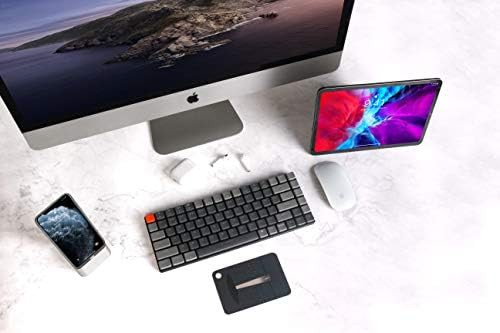
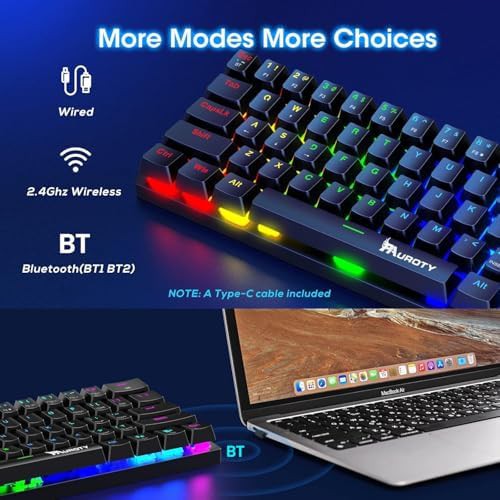
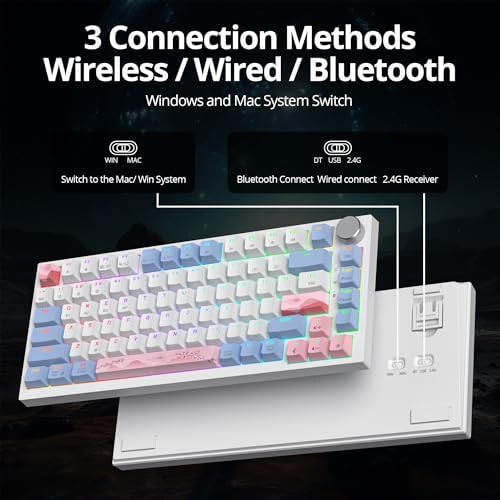
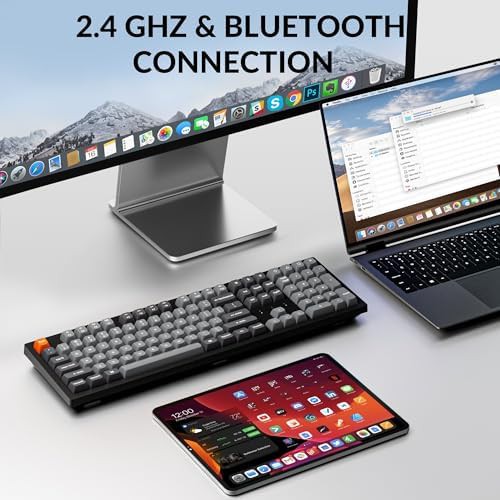
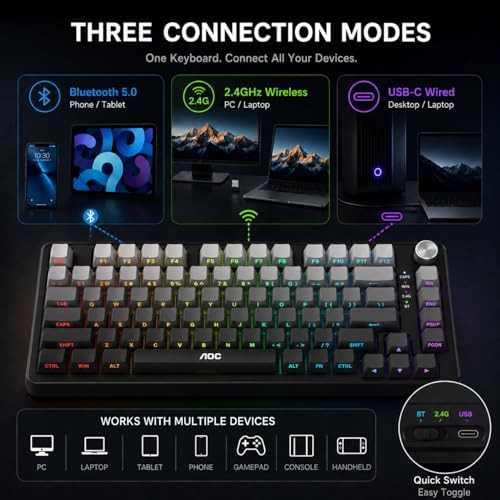
Triple-mode boards connect over Bluetooth 5.0 or 5.1, 2.4GHz wireless, and USB-C. A rechargeable battery powers the wireless modes. Wired-only boards use a fixed USB-C cable. Some models work with Windows, Mac, PC, tablet, Xbox, PS4, and PS5.